


Quickly unlock the power of JupyterLab in ArenaView with our ready-to-use downloadable notebooks. Scroll down for sample Notebook files and instructions.


Jupterlab Resource Center
ArenaViewで使用するJupyterLab用のダウンロード可能なノートブック
[doc_library layout=”grid” grid_columns=4 doc_category=”jupyterlab-resource-center” search_box=”true”]
サンプルノートブックのインストール方法 (英語のみ)
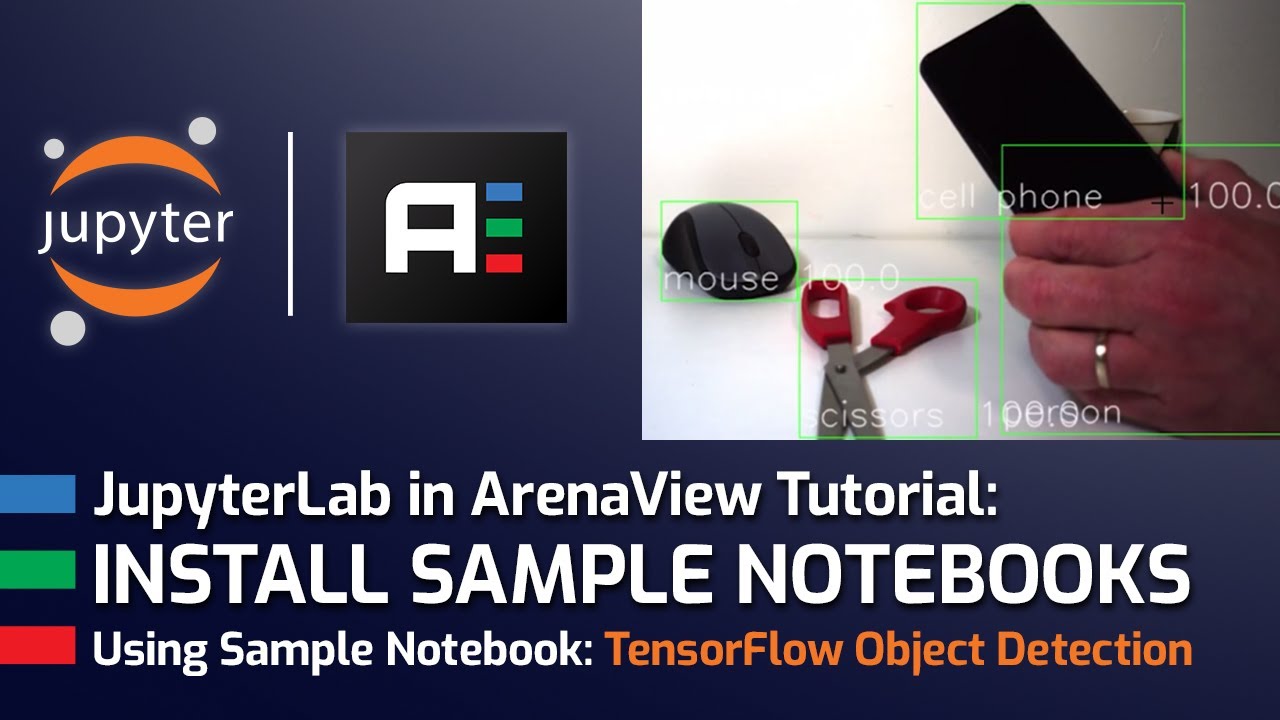
Watch the video tutorial below for a complete step-by-step guide on installing and using the sample Notebooks
1) Download Arena SDK v1.0.33.4 or newer: https://staging.thinklucid.com/downloads-hub/ (Login required)
2) Download Zip files from the above links. The Zip files contain the Notebook file (.ipnyb) along with supporting files.
3) Upzip and save the contents in C:\ProgramData\Lucid Vision Labs\ArenaView\ArenaJp\Jupyter Source Code Examples\
4) Start ArenaView
5) Launch JupyterLab Server from the Options Tab
6) Navigate to the .ipnyb file using the JupyterLab file browser in ArenaView
7) Run the code blocks.
